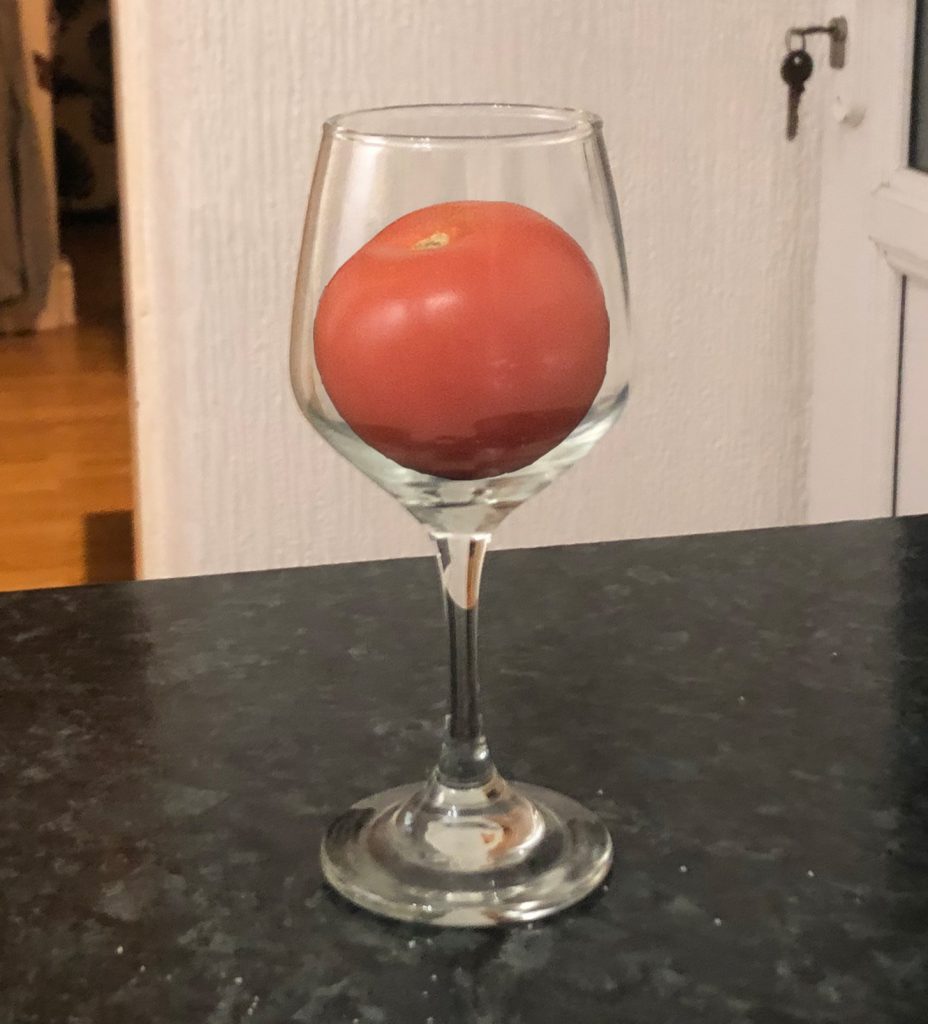
This is my attempt at making a tomato look like its within a wine glass using Photoshop. I used a tomato instead of an apple as I didn’t have any apples at home at the time. I have very little experience with photoshop so this attempt isn’t great but even then I am pleased that I at least managed to give off the effect that the tomato is within the glass even just a little bit.
To start I took photographs of both the apple and the wineglass by themselves using the camera on my phone. I took the photos in my kitchen in order to make use of the better lighting.
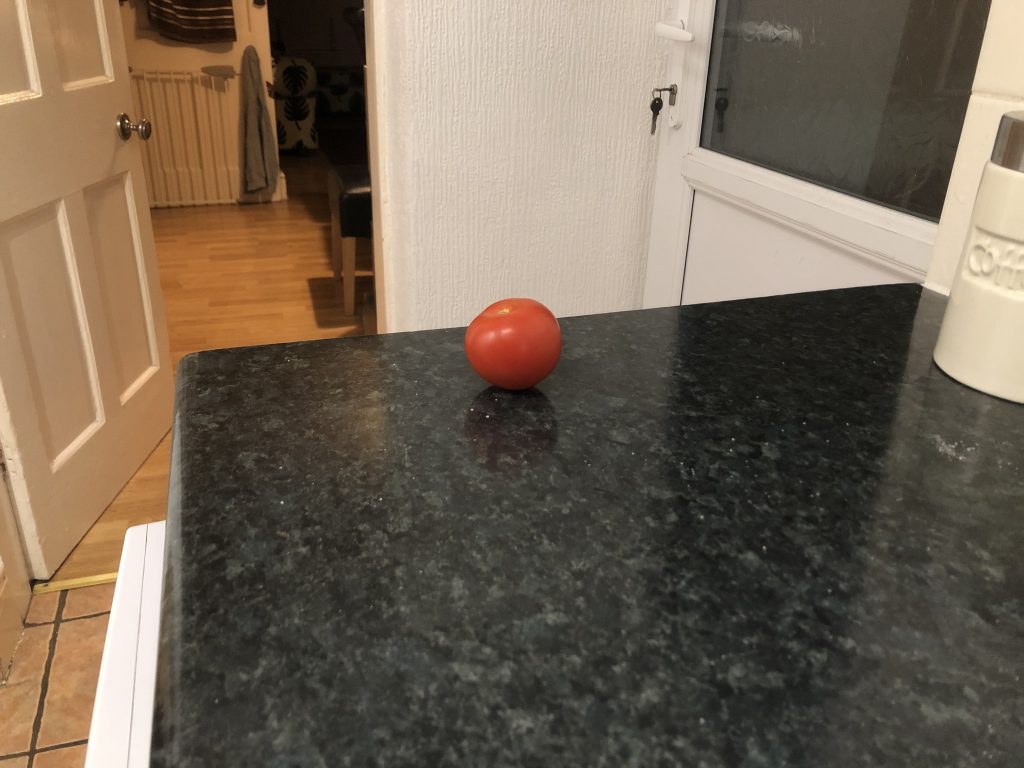

Next I loaded the two images into Photoshop and placed the image of the tomato above the image of the wineglass. I then used the magnetic lasso tool to draw around the tomato allowing me to cut it out and remove it from the image. I made sure to zoom into the tomato as much as possible in order to make the edges look less jagged. Once this was done, I removed what was left of the image and was able to place the tomato on top of the image of the wineglass. I placed the tomato within the wineglass and then made a copy of the wineglass photo and placed it a layer above the tomato, which caused the tomato to disappear. I did this so I could then lower the opacity of the new wineglass image, causing the tomato to appear like it was behind the glass by having the glass texture and reflections slightly appear on top of the tomato.
0 Comments